Choose and Deploy the Right RFID Solution

Design and Print Barcode and RFID Labels with Avancir Print

Create, format, and print barcode and RFID labels using spreadsheet-driven data and compatible printers. Build reusable label templates, import data from Excel or CSV files, print individual labels or full batches, and add RFID and GS1 encoding capabilities when your workflow requires them.

Print-Accurate Label Designer     Flexible Design Elements     Dynamic Data and Fields     Template Library and Presets     Excel and CSV Imports     Single and Batch Printing     Serial Number Support     Printer Controls     Optional RFID Encoding     Print-Accurate Label Designer     Flexible Design Elements     Dynamic Data and Fields     Template Library and Presets     Excel and CSV Imports     Single and Batch Printing     Serial Number Support     Printer Controls     Optional RFID Encoding    
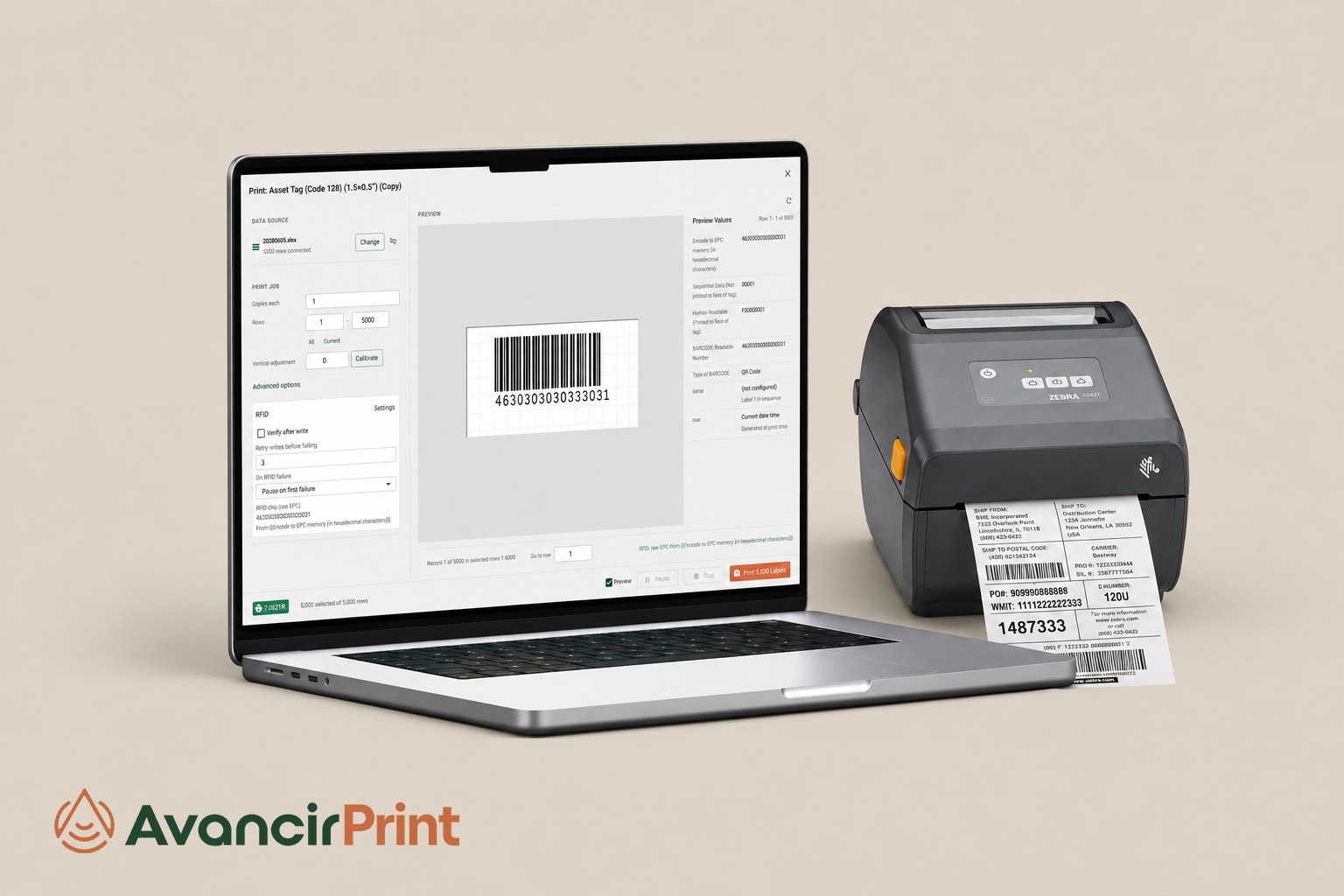
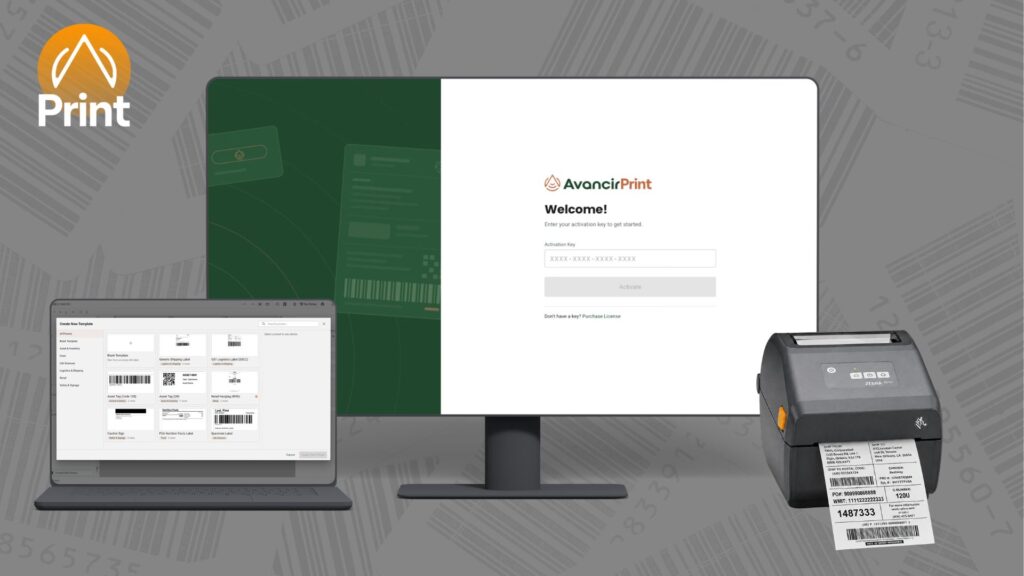
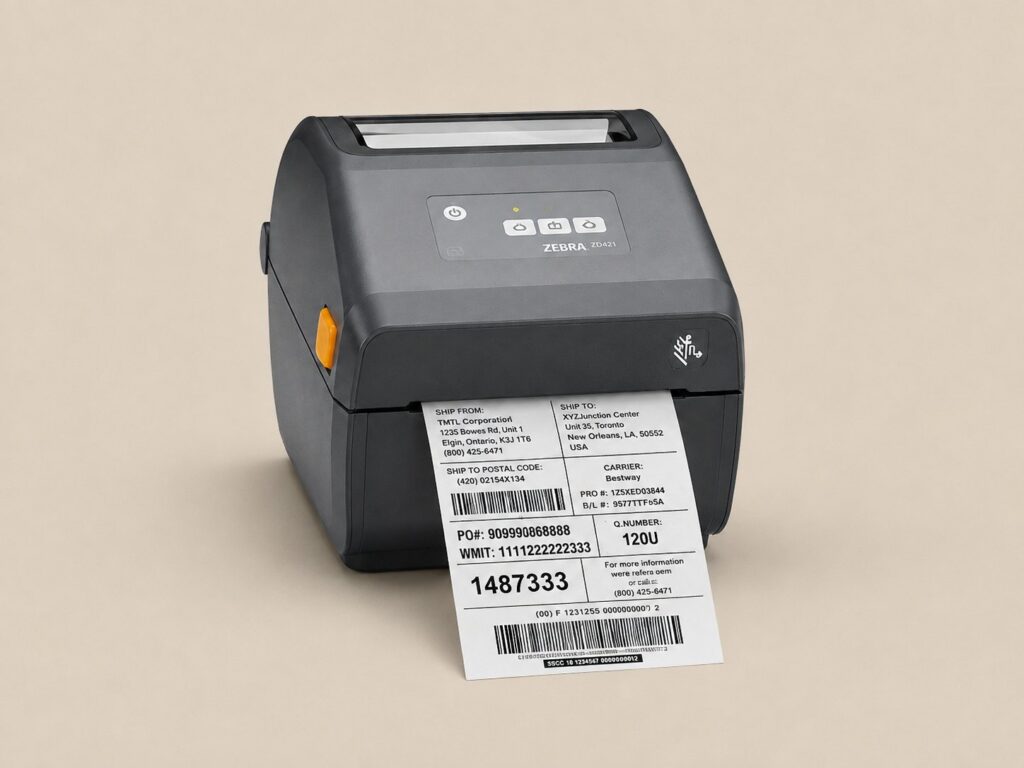
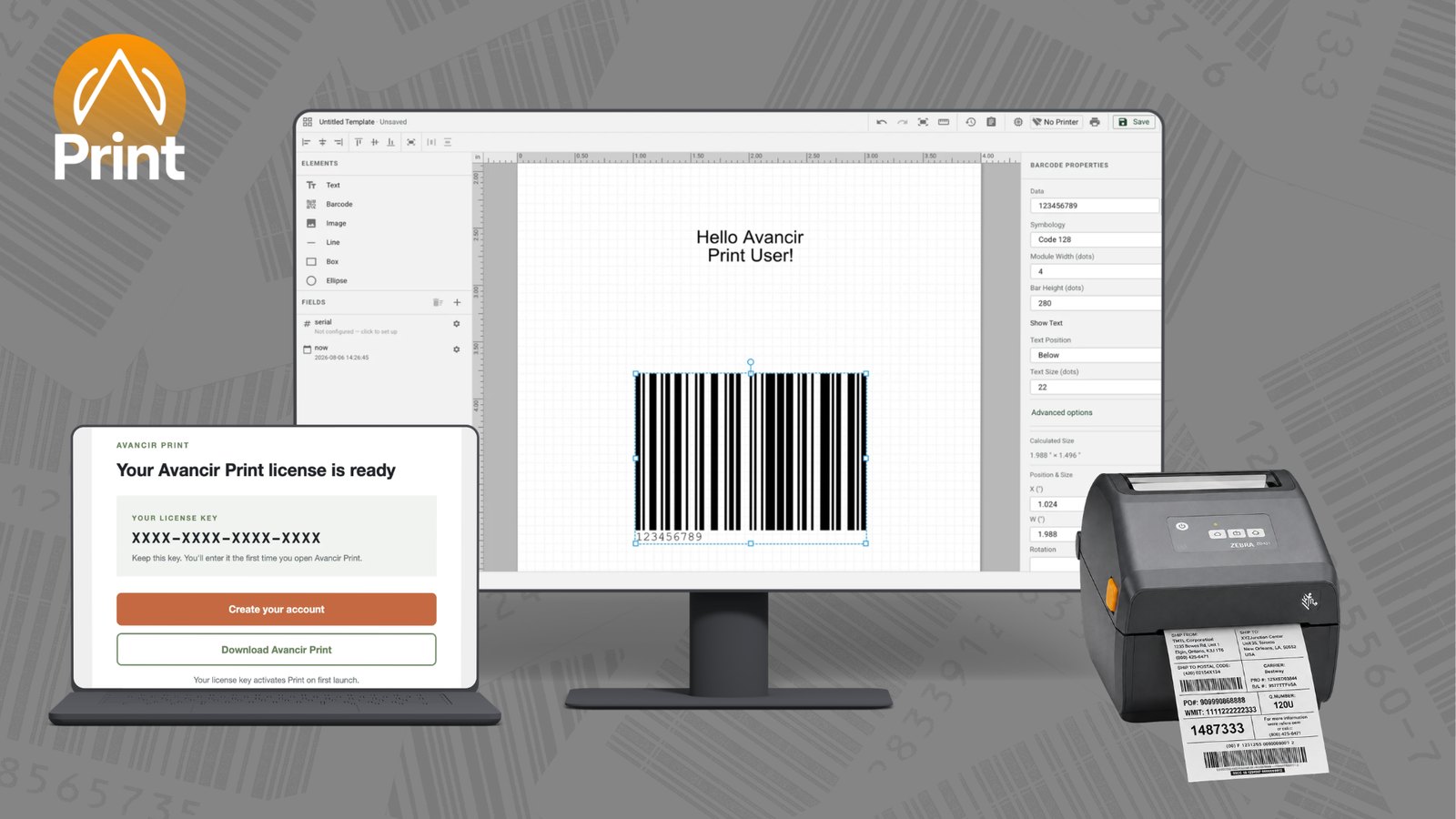
Avancir Print label software on a laptop and monitor beside a Zebra label printer

One Printing Application

Built Around Your Labeling Needs

Avancir Print is a desktop label design and printing application built for teams that need a straightforward way to create labels, connect data, and print from compatible printers.

A one-year subscription includes the core tools for barcode, QR code, and standard label printing. RFID and GS1 capabilities can be added when encoding is required.

Licensing is based on the number of computers running Avancir Print rather than the number of printers. Each licensed workstation can connect to unlimited compatible printers.

Avancir Print Includes

Optional Add-Ons

System Compatibility

Key Features

Key Features Teams Rely On

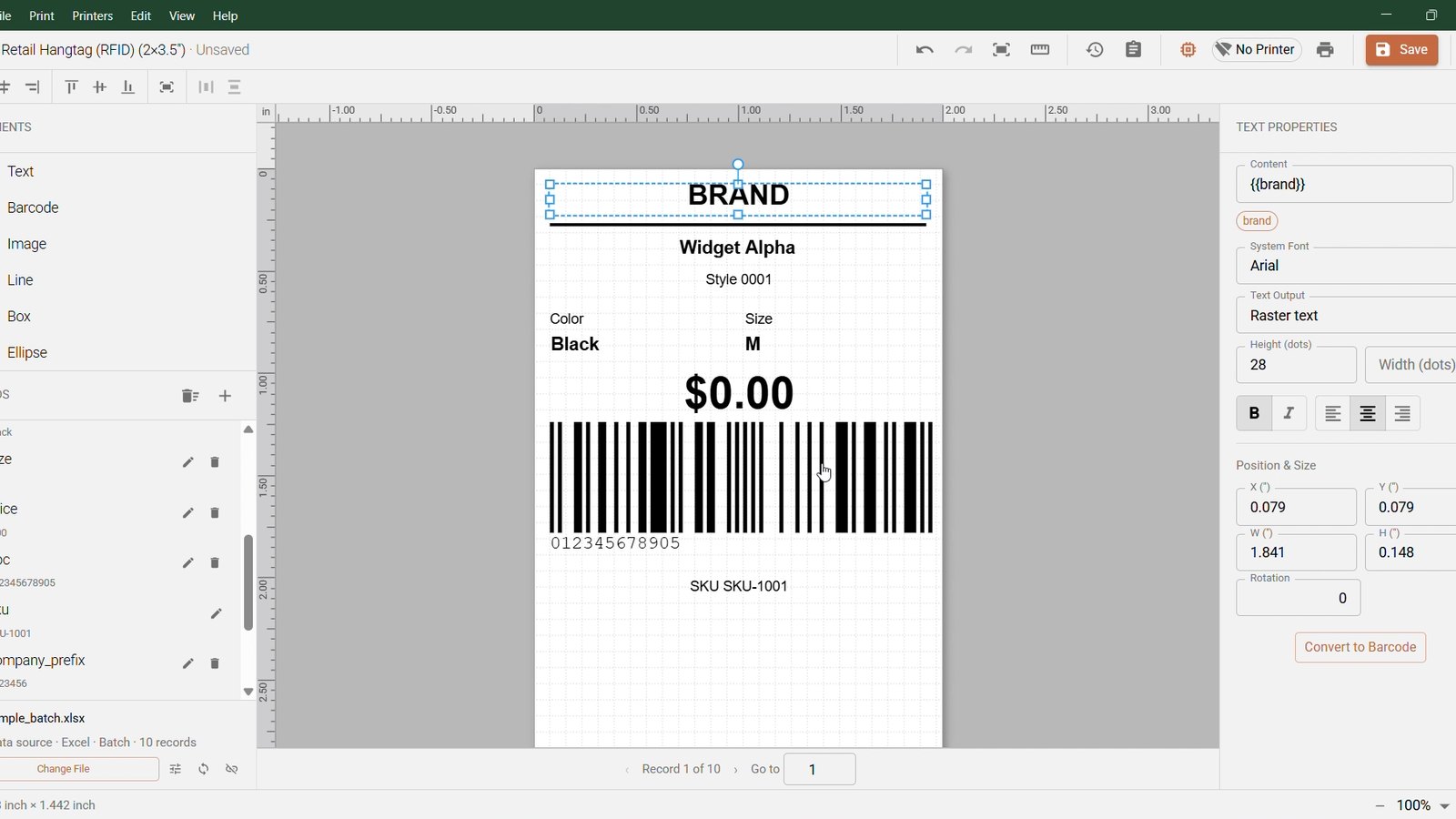
Print-Accurate Label Designer

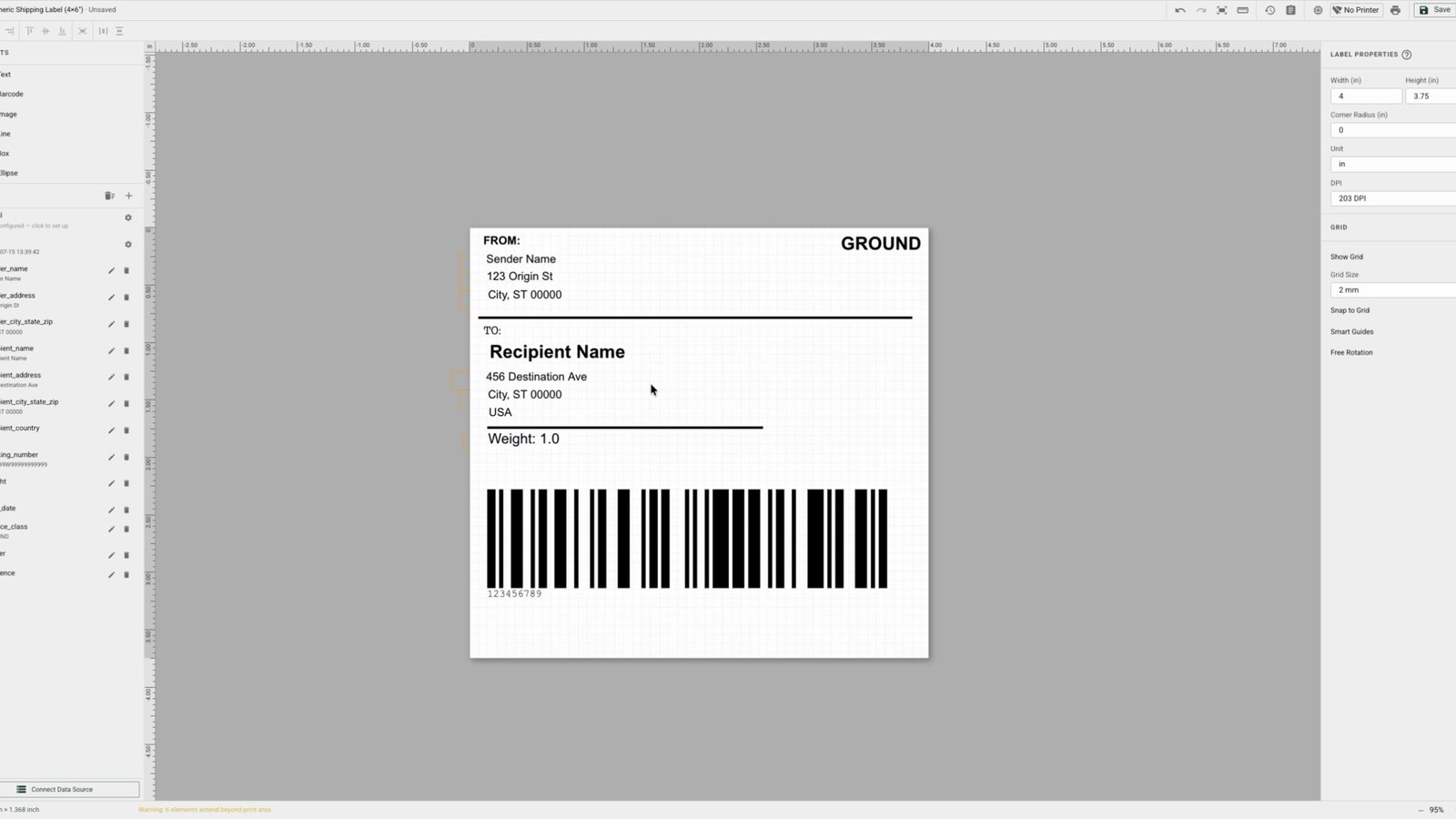
Design labels on a canvas that reflects the final printed output, with control over label dimensions, DPI, orientation, and units.

Flexible Design Elements

Add text, barcodes, QR codes, images, lines, boxes, ellipses, and other elements with control over placement, fonts, colors, and styling.

Dynamic Data and Fields

Create variable text, number, and date fields with validation, transformations, and live preview before data reaches the printer.

Template Library and Presets

Create reusable label templates, organize frequently used designs, and start from presets for repeat printing workflows.

Excel and CSV Imports

Import spreadsheet data and map columns directly to label fields to reduce manual data entry and simplify batch printing.

Single and Batch Printing

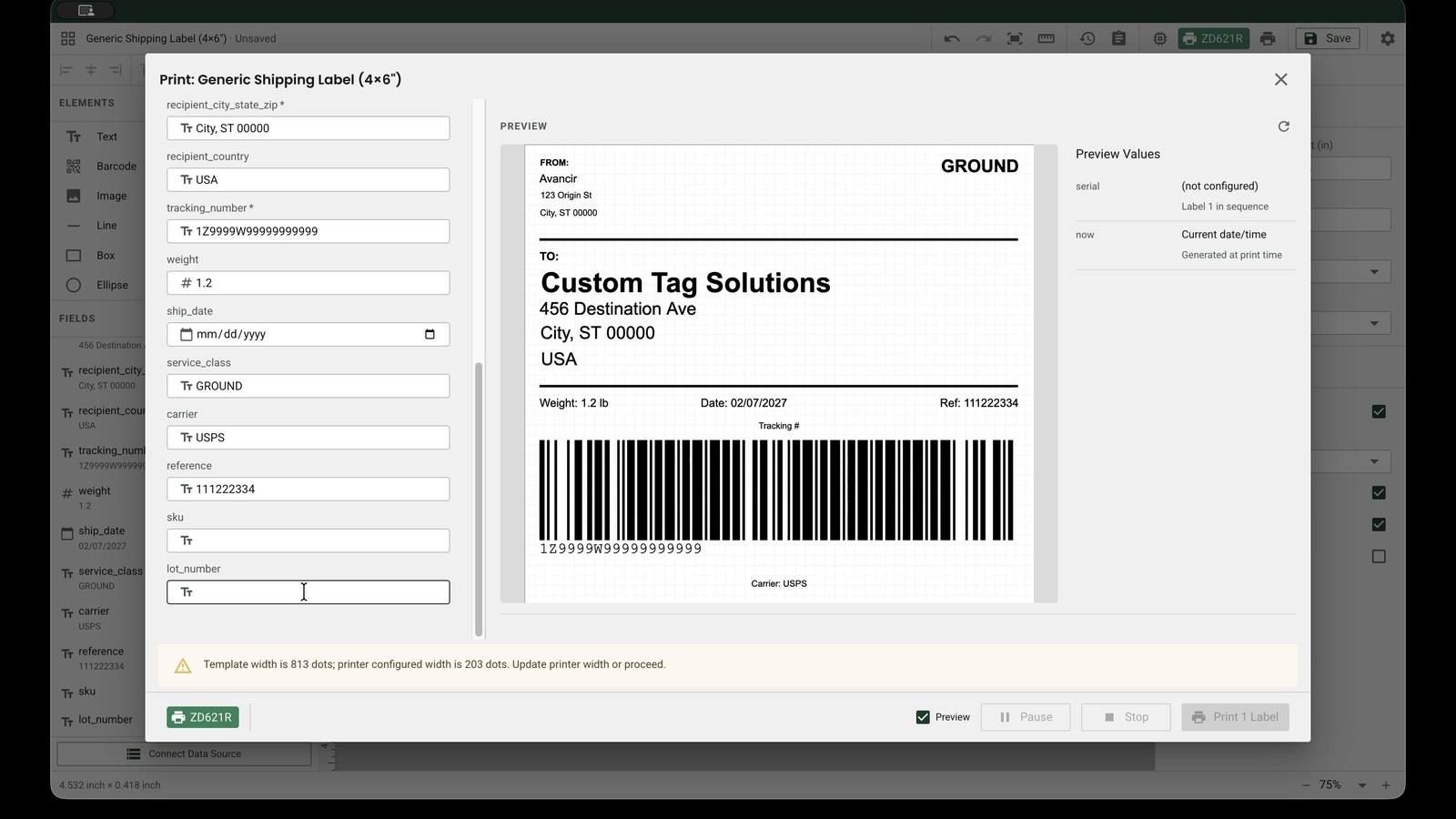
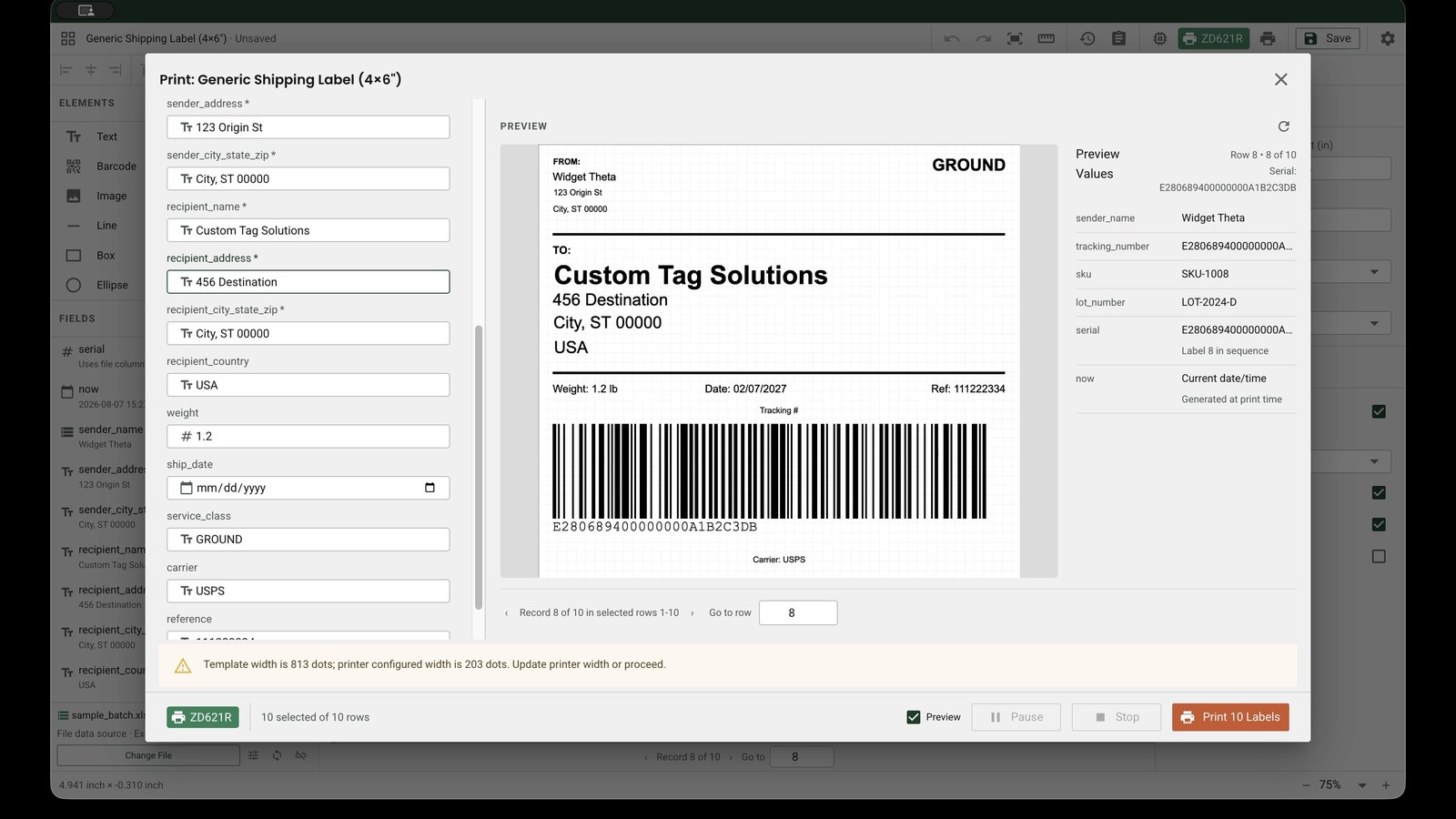
Print one label or work through large spreadsheet-driven batches with row selection, per-label copy quantities, print progress, and job controls.

Serial Number Support

Create labels that require sequential numbering, serialized identifiers, or structured item-level information.

Printer Controls

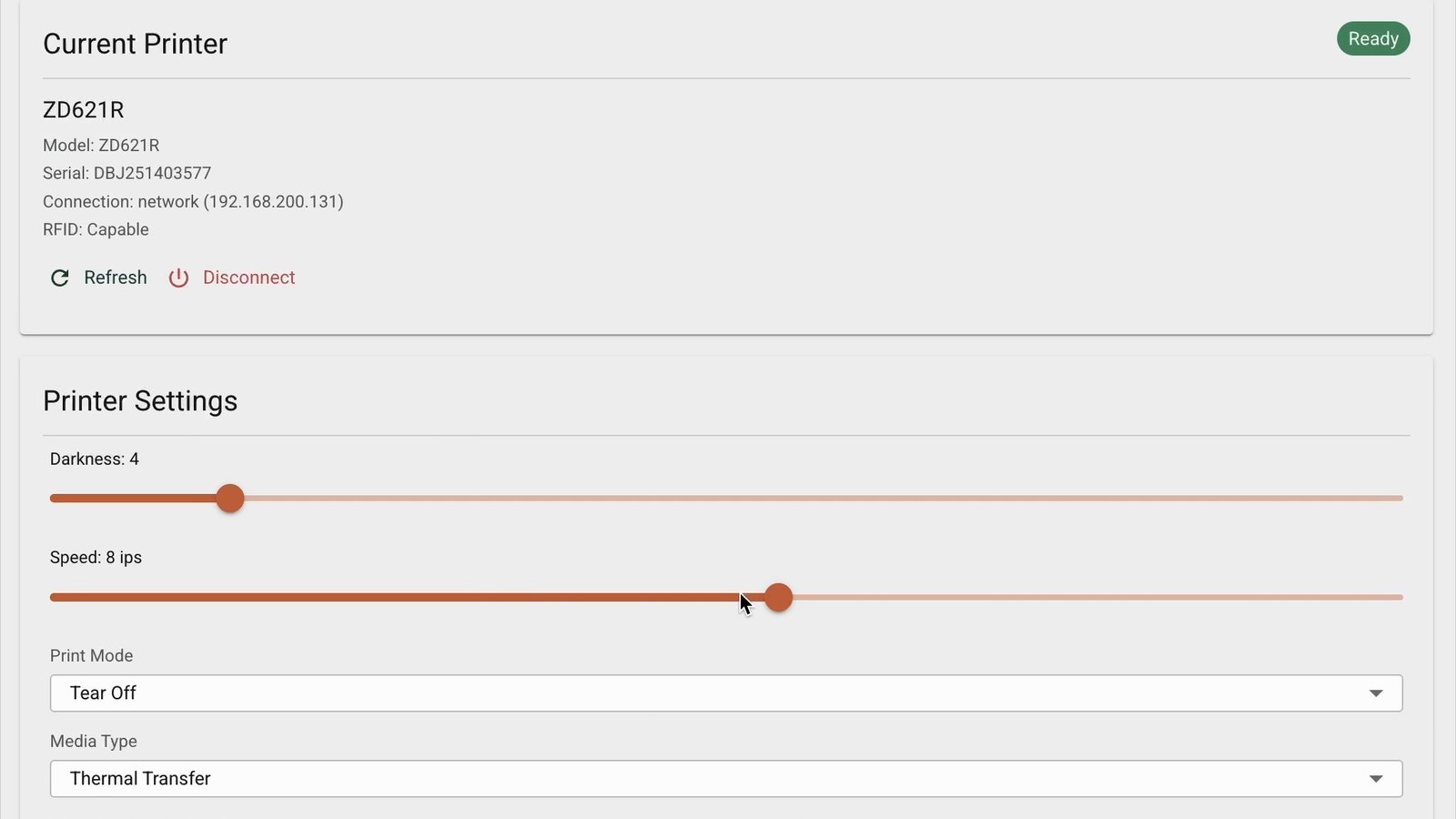
Manage settings such as print speed, darkness, copies, and label configuration directly within the application.

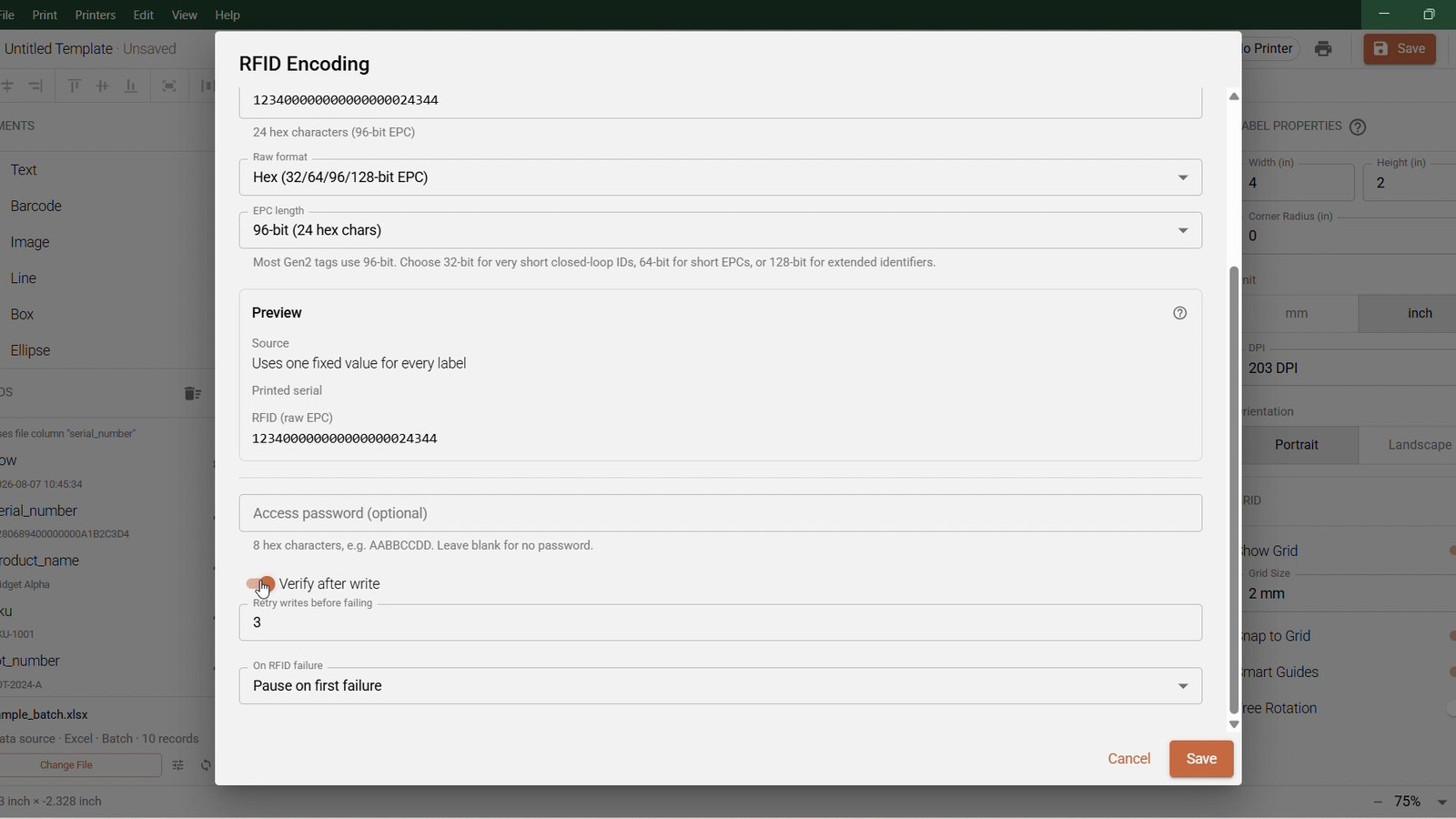
Optional RFID Encoding

Add RFID Capabilities when your workflow requires RFID or GS1 data to be encoded alongside printed label information.

See It In Action

Avancir Print, Start to Finished Label

Short walkthroughs of the designer, data import, printing and RFID encoding, recorded in the application.

Designing and Printing with Avancir Print

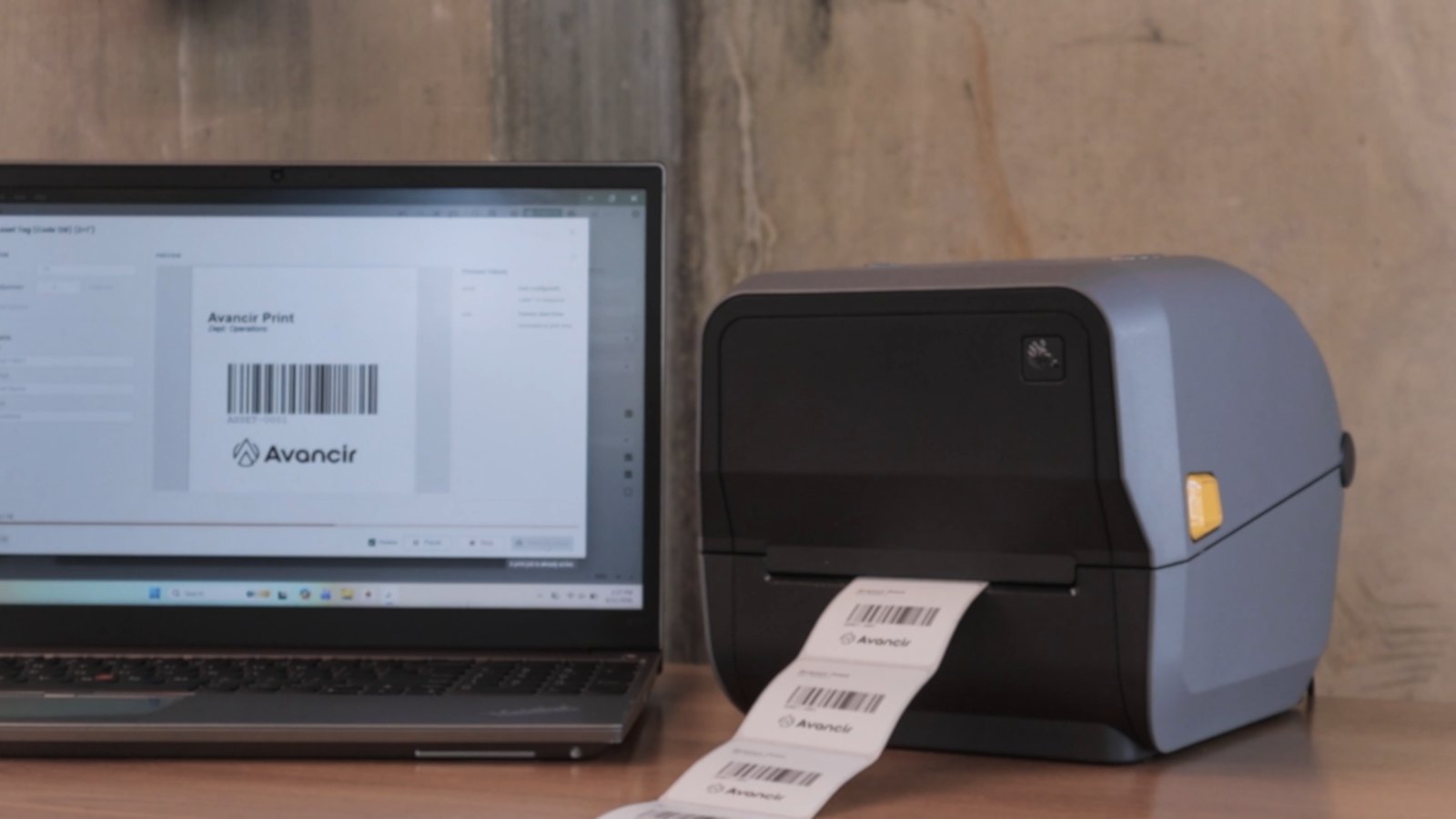
A look at the full workflow, from a label on the canvas to a printed strip coming off a connected printer.

Designing a Label

Build a label from a blank canvas with text, fields and a barcode.

Templates and RFID Encoding

Start from a saved template, map spreadsheet columns to fields, and add RFID encoding.

RFID Setup from Scratch

Configure EPC format, encoding length, verification and failure handling.

Configuring and Printing One Label

Set up a single label, configure a serial number, and send it to the printer.

Batch Printing

Select rows from an imported spreadsheet and run a batch with live print progress.

Printer Controls

Adjust darkness, speed, print mode and media type without leaving the application.

Barcode and RFID Label Printing for Your Unique Workflow

Avancir Print supports everyday labeling workflows, from inventory and asset identification to retail product labels and RFID tag encoding. Whether your team is printing a small set of labels or working through larger spreadsheet-driven batches, you can create reusable templates that align with your existing data and printing processes.

Inventory Labels

Create labels for SKUs, bins, cartons, pallets, inventory items, and other records managed through Excel or CSV files.

Retail Product Labels

Design barcode, QR code, and RFID labels for product identification, retail inventory, item-level tracking, and store operations.

Asset Tracking Labels

Print identification labels for equipment, tools, devices, containers, returnable items, and other tracked assets.

RFID Tag Printing and Encoding

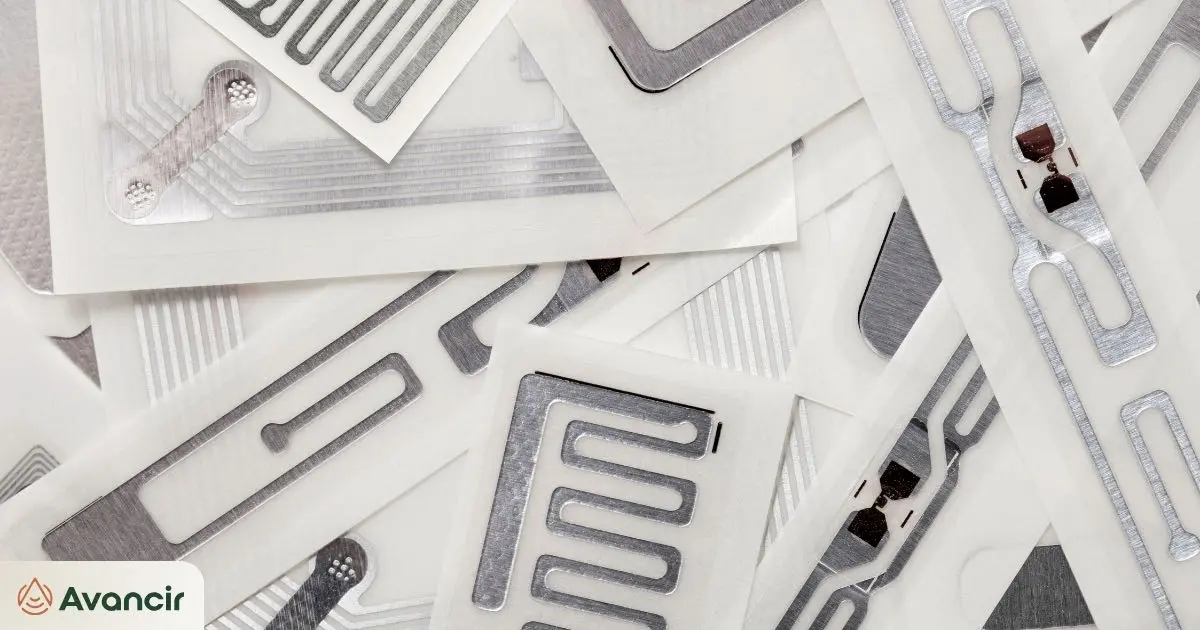
Add RFID Capabilities for workflows that require both printed label information and encoded RFID data.

Barcode Label Printing

Create barcode labels for inventory, shipping, products, locations, and other operational identification requirements.

Event and Race Timing Tags

Support compatible RFID printing and encoding workflows for events, race timing, and other high-volume identification applications.

General Operational Labeling

Build repeatable templates for the everyday identification and labeling tasks that help keep operations organized.

Shipping and Receiving Labels

Create barcode, QR code, or RFID labels for inbound and outbound shipments, package identification, receiving workflows, and shipment verification.

How Avancir Print Works

From Purchase to Your First Printed Label

Get started with the core Avancir Print application, select the number of computers that need a license, and add RFID capabilities or configuration services only when your workflow requires them.

Purchase Avancir Print

Purchase a one-year subscription to the core application, including barcode, QR code, and standard label design and printing functionality.

Receive Your License Information

After purchase, you will receive your product information, license details, and Avancir Print download information.

Download and Install Avancir Print

Install the desktop application directly on the computer that will use the license. Avancir Print is a desktop application rather than a web-based platform.

Activate Your License

Enter your valid license key when the application starts to activate the software and access your licensed functionality.

Design, Import, and Print

Create templates, import Excel or CSV data, connect compatible printers, and begin printing. If RFID Capabilities are enabled, compatible RFID encoding workflows can also be supported.

Keep Your Subscription Active

Avancir Print periodically validates the software license. An active subscription and valid license are required to continue using the application.

What Makes Avancir Print Different

A Simpler Way to Manage Barcode and RFID Label Printing

Avancir Print gives teams the tools to design and manage their own labeling workflows without adding unnecessary complexity.

Simple to Start and Use

Install the application, activate your license, and begin designing and printing using familiar Excel and CSV-based workflows.

Unlimited Printers

Licenses are based on the number of computers running Avancir Print, not the number of printers. Connect unlimited compatible printers from each licensed workstation.

Built by RFID and Barcode Experts

Avancir Print was built by RFID and barcode experts around the label printing features teams use most, with RFID capabilities and configuration services available as needed.

How It Compares

Built for the Way You Print

See how Avancir Print offers a simpler approach to label design, printing, and RFID encoding compared with traditional label printing software.

Avancir Print
Traditional Label Printing Software
Licensing Model

Per workstation, volume tiered. Unlimited compatible printers per licensed workstation.

Per workstation, single user.

Premade Templates
Batch Printing
Revision and Version History
Database Connectivity

Excel and CSV, auto mapped with live preview.

Excel and CSV, basic.

RFID Tag Encoding

Optional add-on.

Requires a higher-tier edition.

GS1 Encoding

Optional add-on.

Requires a higher-tier edition.

Support

Standard support included.

Standard for a limited term, premium paid.

Subscription Term

One-year recurring.

One, three or five-year agreements.

Printer Compatibility

Built for Compatible Desktop and Industrial Printers

Avancir Print currently supports select Zebra industrial and desktop printers, with additional printer support planned for future releases.

Printer, label media, and RFID requirements should be confirmed before purchase to ensure the equipment is compatible with the intended workflow.

Need Help Configuring Your Printer? We’re here to help!

Add Printer Configuration Services at check out for additional help setting up and configuring a compatible printer for your Avancir Print workflow.

Frequently Asked Questions

Avancir Print, answered.

What is Avancir Print?

Avancir Print is a standalone desktop application for designing and printing barcode, QR code, and other labels. RFID Capabilities can be added when a workflow also requires RFID tag encoding.

How do I purchase and get started with Avancir Print?

You can purchase Avancir Print directly from Atlas RFID by selecting your license quantity, choosing whether to add RFID Capabilities, and completing checkout. Click here to purchase.

You can also submit a contact form to get help before purchasing. Our team can help confirm your printer compatibility, answer workflow questions, and discuss whether RFID Capabilities or Printer Configuration Services are needed for your setup.

Can I import label data from Excel or CSV files?

Yes. Excel and CSV files can be imported and mapped to label fields, allowing teams to print individual labels or larger batches without manually re-entering data.

How is Avancir Print licensed?

Avancir Print is licensed by workstation. Each computer running the application requires a license, while each licensed workstation can connect to unlimited compatible printers.

Can I move a license to another computer?

Yes. If your needs change, Avancir Print can be removed from one workstation and installed and activated on another, provided the license is no longer being used on the original computer.

Can Avancir Print print and encode RFID labels?

Yes. The core application supports barcode, QR code, and standard label printing. Add RFID Capabilities when compatible RFID tag encoding is also required.

What printers, labels, and RFID tags can I use?

Avancir Print supports select compatible printers. Existing labels or RFID media may be used when the printer, media, and intended workflow are compatible.

RFID workflows should be reviewed to confirm that the printer, RFID media, and required encoding format are supported.

Is Avancir Print separate from Avancir RFID Software?

Yes. Avancir Print is a standalone product and does not require an Avancir RFID Software subscription.

Is Avancir Print desktop or web-based?

Avancir Print is a desktop application that is downloaded and installed directly on a computer. A valid license key is required to activate and use the software.

Ready to Start Designing and Printing Your Own Labels?

Create repeatable barcode, QR code, and RFID labeling workflows with a desktop application built around the tools your team needs.